
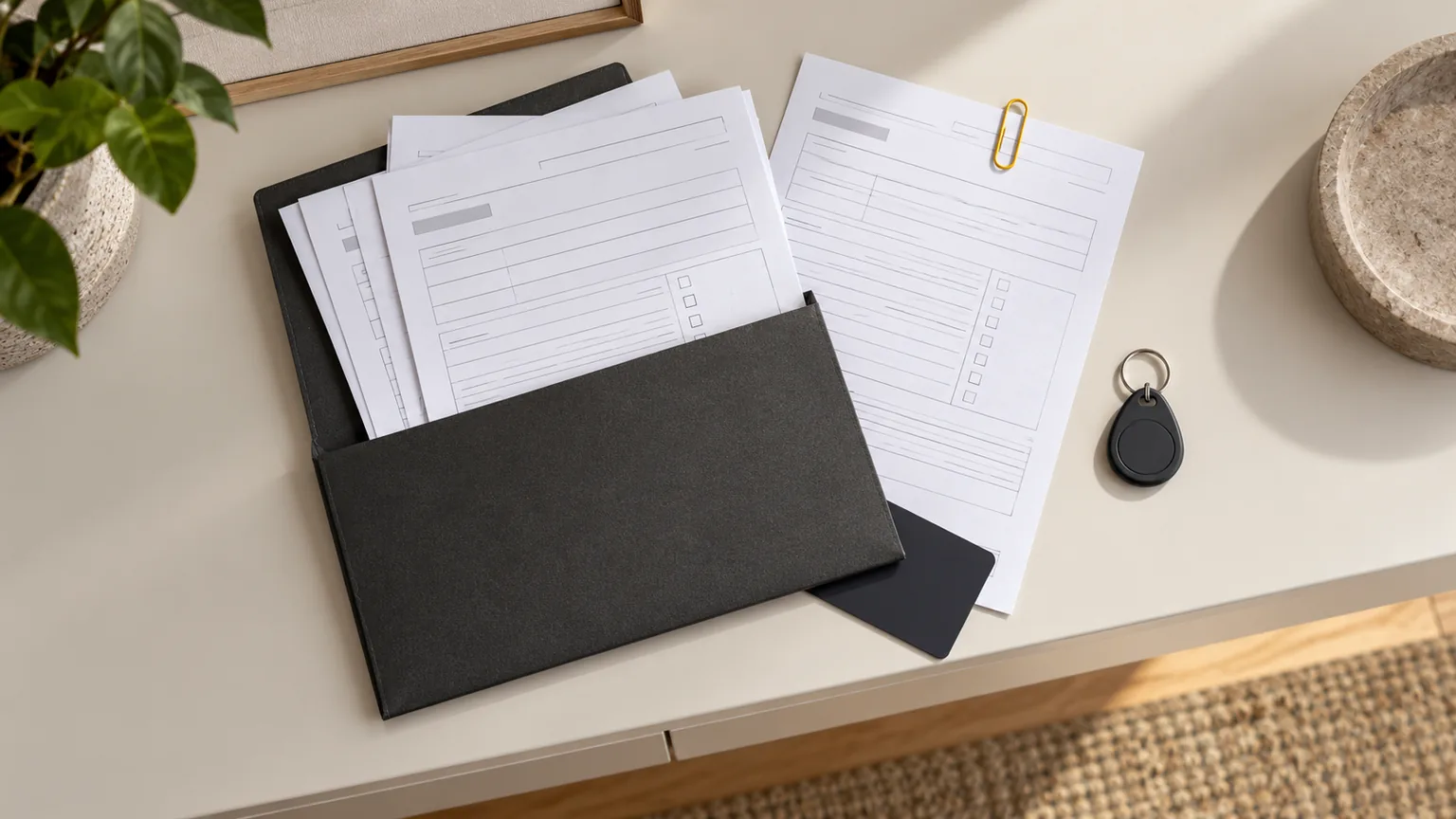
Apartment key orders can contain more sensitive information than an ordinary product enquiry.
A completed order may identify:
- your full name
- residential address
- apartment, unit or lot number
- phone number
- email address
- the key or access device you need
- whether a key has been lost
- who may approve the request
- who will collect or receive the key
- your signature
- payment information
Taken together, those details can connect your identity, home address and building-access request.
That does not mean every PDF, email or online form is unsafe. It does mean you should understand what information you are being asked to provide, who will receive it and how it will be handled.
This article focuses specifically on privacy and information-security warning signs in apartment key ordering. For the general ordering process, see how to order an apartment key.
This article is general information only and is not legal, privacy or compliance advice.
Why apartment key order information deserves care
An apartment key request is not just a normal contact form.
It may reveal:
- where you live
- how to contact you
- which apartment or lot you occupy
- what building access you are requesting
- whether an existing key has been lost
- who has authority to approve additional access
- who will collect the new key
- how you intend to pay
If the completed request is copied into several inboxes, downloaded to staff devices, forwarded to an approver or stored indefinitely, the same information may exist in many places.
For general privacy context, the OAIC APP 11 guidance explains that organisations covered by the Privacy Act must take reasonable steps to protect personal information they hold and to destroy or de-identify it when it is no longer needed.
Red flag 1: The form asks you to email full credit card details
Treat this as one of the clearest warning signs.
Be especially cautious if a PDF, paper form or emailed document asks for:
- card number
- expiry date
- cardholder name
- CCV, CVV or security code
- signature
This is different from entering card details into a payment gateway or secure payment page designed to process the transaction.
When card details are written into a form and emailed, copies may remain in:
- your sent folder
- the recipient’s inbox
- a shared mailbox
- downloaded attachments
- local mail applications
- forwarded messages
- backups or archives
You may not know who can access those copies or how long they are retained.
Payment warning: An apartment key order should not require you to email full card details in a PDF or attachment. Ask whether payment can be made through a payment link, payment gateway, invoice, account arrangement or another appropriate method.
For more detail, see online payments for restricted key orders.
Red flag 2: A completed PDF has to be emailed back
A PDF is not automatically insecure.
The concern is what happens when a completed form containing personal or payment information is sent as an attachment and then becomes part of an email workflow.
A completed apartment key form may include:
- name
- home address
- apartment number
- phone number
- email address
- signature
- key details
- approval information
- payment information
Once sent, copies may exist in:
- the sender’s downloads folder
- the sender’s sent mail
- the recipient’s inbox
- a shared mailbox
- staff downloads folders
- forwarded approval emails
- printed copies
- archives and backups
If the form contains sensitive information, ask whether the request can be submitted through a more controlled process instead.
Red flag 3: The form is sent to a shared inbox
Shared addresses such as:
keys@admin@workshop@orders@service@reception@
are common in business.
The issue is not the address itself. The issue is whether a completed key-order form containing personal, access or payment information is being distributed through an inbox that several people may be able to access.
Useful questions include:
- Who can access this mailbox?
- Is the attachment downloaded or stored elsewhere?
- Is the order forwarded internally?
- Will it be sent to an approver?
- How long are completed forms retained?
- Are payment details removed after processing?
A general enquiry and a completed restricted-key order do not necessarily need to be handled in the same way.
Red flag 4: Your full form is forwarded to the approver
Apartment key requests often need approval from another person.
Depending on the building, that might be:
- a building manager
- an owners corporation manager
- a strata manager
- a property manager
- a landlord or lot owner
- another authorised person
The approver may need to know who is requesting the key, which property the request relates to and what is being requested.
They may not need every piece of information collected on the order form.
If the complete form is simply forwarded to the approver, it may also expose:
- phone numbers
- email addresses
- signatures
- delivery details
- payment information
- other information not required to make the approval decision
Ask whether the approver receives only the information needed to assess the request.
A controlled approval page or secure link can reduce the need to send a complete customer form as an email attachment.
For more detail on approval itself, see why restricted keys need approval.
Red flag 5: The confirmation email sends the whole form back to you
Some online forms automatically attach a PDF copy of the complete submission to the confirmation email.
That can appear helpful, but it creates another copy of the information.
If the attachment contains personal information, signatures, building-access details or payment information, copies may now exist in both customer and business email systems.
A simple confirmation that the request was received usually does not need to reproduce every sensitive field submitted.
Check what the confirmation email will contain before submitting the form if that information is available.
Red flag 6: The form asks for more information than seems necessary
A locksmith or building manager may legitimately need enough information to identify:
- the requester
- the building or apartment
- the key or access device
- the authorised approver
- the collector or recipient
But a form should not collect extra information simply because an old paper form always did.
Question fields that appear unrelated to the order, particularly requests for:
- unnecessary identity documents
- excessive personal information
- information about unrelated occupants
- full payment-card details
- CCV or CVV security codes
- a signature without any explanation of why it is required
If the reason is not obvious, ask why the information is needed before supplying it.
Red flag 7: Identity documents are requested without explaining why
Some key orders may require proof of identity or authority.
The security concern is not necessarily that identification is requested. It is whether the process explains:
- what document is required
- why it is required
- who will see it
- whether a copy will be retained
- how it should be submitted
- what happens to it after the order is complete
A copy of a driver’s licence or other identity document contains considerably more information than a name and apartment number.
Do not send additional identity documents merely because there is an upload field. Confirm what is actually required for the order.
Red flag 8: You are not told who receives your information
When an apartment key order involves several organisations, it should be reasonably clear who is involved.
Your details might potentially be handled by:
- the locksmith
- the building manager
- the property manager
- the owners corporation or strata manager
- an access-control provider
- an online ordering provider
- an authorised approver
Before submitting sensitive information, check whether the form explains who is collecting it and whether it will be passed to another party.
This is particularly relevant when the ordering website is operated by a business other than the locksmith that will ultimately supply the key.
For a broader checklist when using an online ordering service, see apartment key ordering services: what to check before you order.
Red flag 9: The website form looks secure, but the submission is emailed in full
A modern-looking web form does not by itself tell you what happens after you press Submit.
Some forms simply take the information entered online and email the complete submission to staff.
That can mean the customer uses an encrypted website connection to enter the information, but the completed request then becomes an email, attachment or PDF inside the business.
If the form contains sensitive information, ask whether the order is retained in the ordering system or emailed around as the main record.
The security of the page you submit does not answer the separate question of how the information is handled afterwards.
Email encryption does not remove every concern
Email is not necessarily transmitted as plain text.
Modern mail services commonly encrypt connections between mail systems. Some providers also encrypt stored mail.
But that does not mean an ordinary email is end-to-end encrypted or that the information disappears after delivery.
Once a completed key-order form reaches a mailbox, it may still be:
- opened by anyone with mailbox access
- forwarded
- downloaded
- searched
- synchronised to local devices
- retained in archives
- included in backups
The concern with emailing sensitive forms is therefore not only interception while the message is being sent.
It is also the number of copies created and how those copies are accessed and retained afterwards.
What should a privacy-conscious ordering process do?
From a privacy and information-security perspective, a better process should aim to:
- collect only information required for the order
- avoid collecting raw card details in forms or attachments
- avoid unnecessary copies of completed forms
- limit what is sent to approvers
- make clear who receives the information
- use an appropriate payment process
- avoid placing sensitive order details into ordinary email where possible
- keep the order record in a controlled system
- avoid retaining information longer than necessary
This does not require every building to use a complicated system.
The important point is that personal information, payment information and building-access information should be handled deliberately rather than simply copied through email because that is how the old form worked.
Questions to ask before submitting an apartment key form
If the process is unclear, practical questions include:
- Do I need to provide all of these details?
- Why is this identity document required?
- Who receives the completed form?
- Is the full form emailed to a shared inbox?
- Will the form be forwarded to an approver?
- What information will the approver see?
- Do I need to provide full card details?
- Is there a payment link or other payment method instead?
- Will the completed form be attached to confirmation emails?
- How long will the information be retained?
- Is there an online ordering portal or another way to submit the request?
If the business can answer these questions clearly, you have a better basis for deciding how to submit the order.
If you have already emailed sensitive information
If you have already submitted a form containing information you are concerned about, contact the organisation that received it and ask:
- whether the information is still required
- who has access to it
- whether it was forwarded elsewhere
- how long it will be retained
- whether unnecessary copies can be deleted where appropriate
You can also remove unnecessary copies from your own email and downloads once you no longer need them.
If payment-card details were included and you are concerned about their handling, contact your card provider for advice appropriate to your circumstances.
Where KeyOrders fits
KeyOrders is designed to keep restricted-key request and approval information inside a structured ordering workflow rather than relying on completed PDF forms moving between inboxes.
For customers, that can reduce the need to email sensitive order information and payment details.
For approvers, the process can present the information required to assess a request without requiring a complete customer form to be forwarded as an attachment.
The locksmith remains responsible for deciding what information is required, who is authorised to approve orders and how customer information is handled.
Summary
The main security and privacy concerns with apartment key order forms are not whether the form is paper or digital.
They are what information is collected, where it goes, who can access it and how many copies are created.
Warning signs include:
- full card details entered into a PDF or form
- completed forms emailed to shared inboxes
- complete submissions forwarded to approvers
- confirmation emails containing sensitive attachments
- unnecessary personal or identity information
- no explanation of who receives or retains the data
- online forms that simply email the full submission behind the scenes
Apartment key orders can connect personal information with residential and building-access details.
That information should be collected and handled with appropriate care.